

This is an update to my post about Testing with AL-Go in GitHub. I mentioned that it was planned that we would be capable of using Page Scripts as part of our testing routines. That time has come!
If you have not already read them, but this is an update of two posts; GitHub Continuous Integration with AL-Go and Automate Testing in Business Central with Page Scripting.
First we will add a folder to our directory of things in our AL-Go folder structure. I’ve named my folder PageScripts. My structure looks like this now:
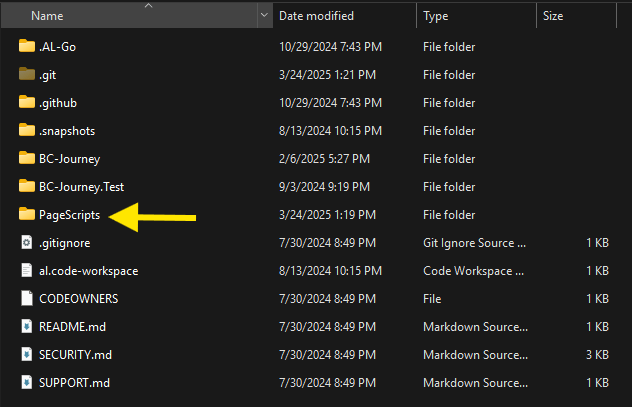
I’ve placed the two recording files from our previous process into that folder:

Then update the .Al-Go\Settings.json file:
{
  "country": "us",
  "appFolders": [
    "BC-Journey"
  ],
  "testFolders": [
    "BC-Journey.Test"
  ],
  "bcptTestFolders": [],
  "pageScriptingTests": ["PageScripts/Recording.yml", "PageScripts/RecordingFail.yml"]
}
I’ve added the “pageScriptingTests” parameter and populated it with the two tests I want to run. I could have put “PageScripts/*.yml” to run ALL the tests in the folder, but I have one that fails, so I’ll exclude that one later.
I upload all of this to GitHub, and as CI/CD Runs I get the following results:
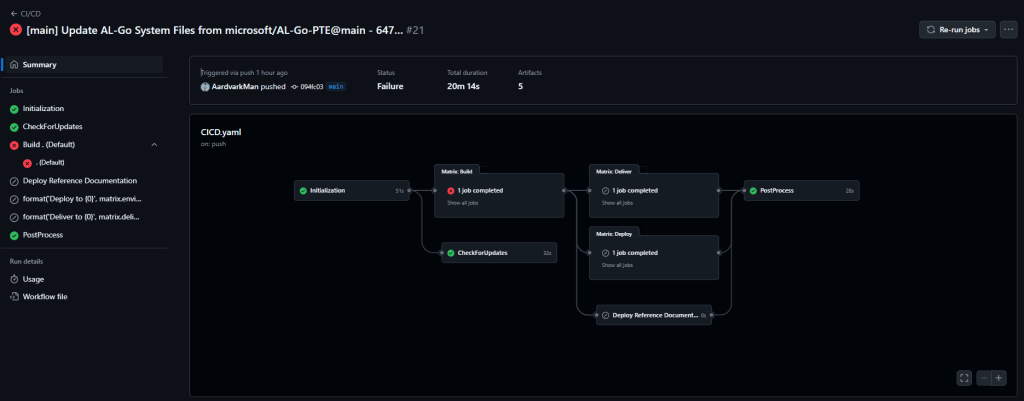
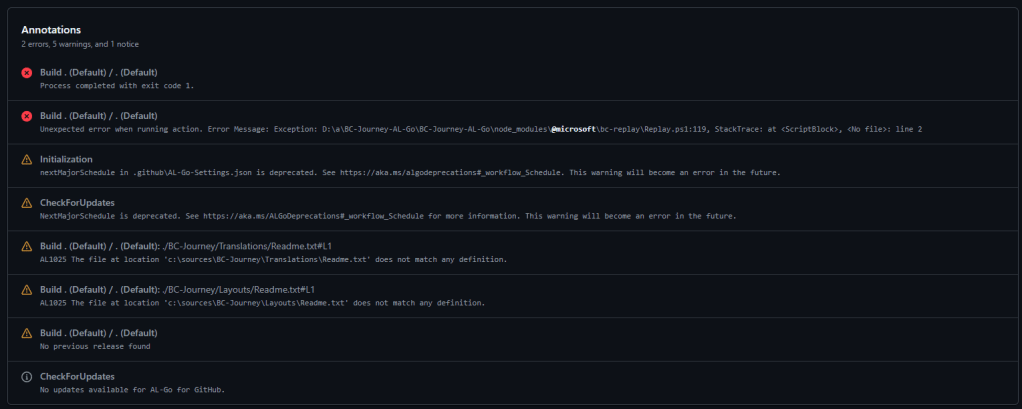
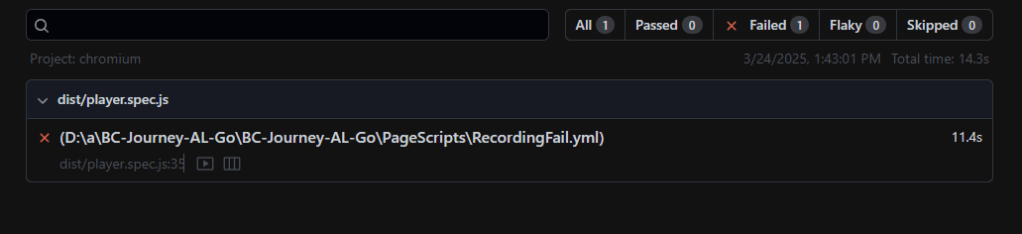
It failed, which is what I would expect as I included a page script that fails. The annotations show a failure on the page scripts.
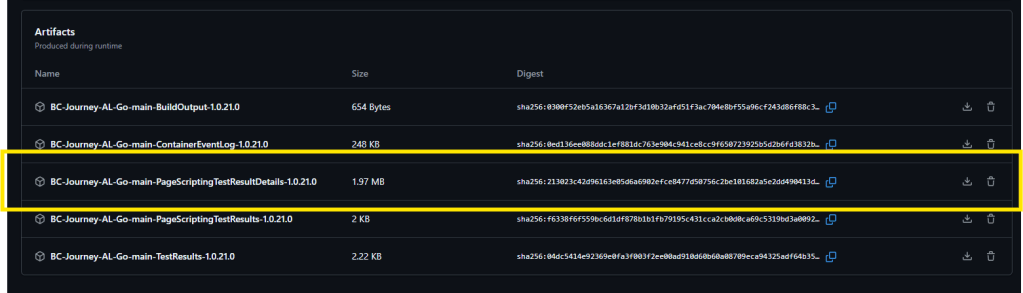
Further down the page there is a list of artifacts, including the Page Scripting Test Result Details.
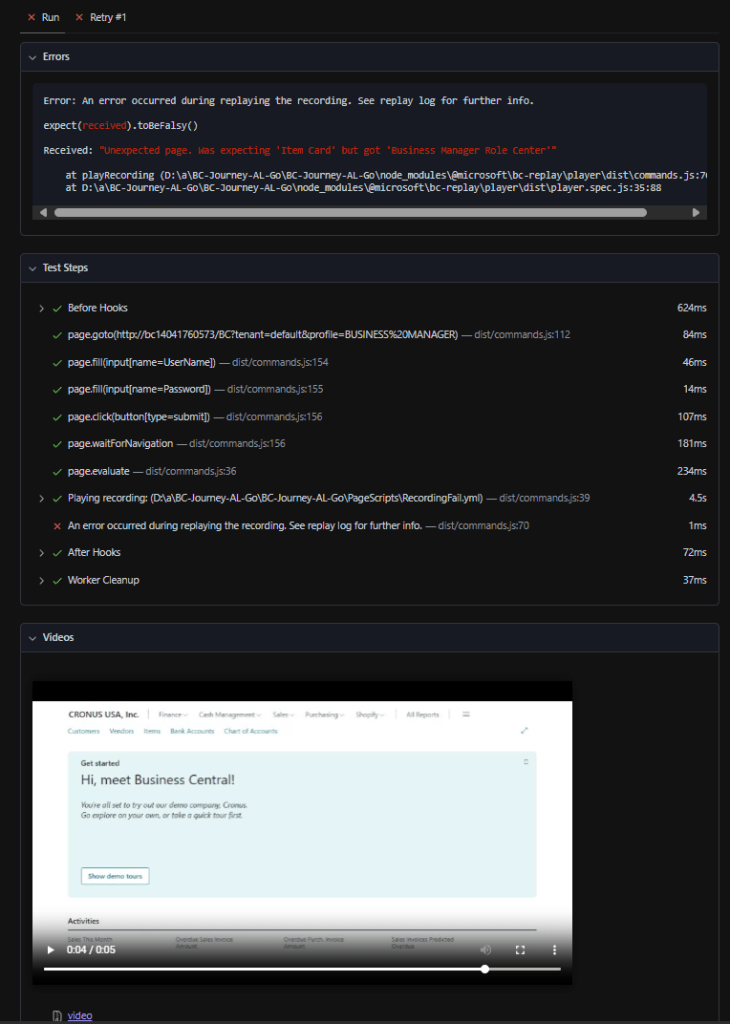
When unzipped, the file contains an Index.html, which is a full report of the test results including a video of the failure.
There you have it, Continuous Integration testing with Page Script execution. This also works for the Next Minor and Next Major testing workflows. Enjoy and happy testing!



 Aardvark Labs
Leave a comment