
BC AL Journey #36
When working with reports in Business Central we have a challenge that is a little unique to report development. Many times, the best source of data is not in a sandbox environment, but in the Production environment. Now we NEVER test our new code in Production, right? Right?
At the same time, creating a new sandbox, especially when you are short on storage space, isn’t always the best option for a report update development loop. What we need is a way to manage a lifecycle of report layouts.
Good News! Business Central 28.1 adds a new feature to report management allowing for a lifecycle process around report layouts.
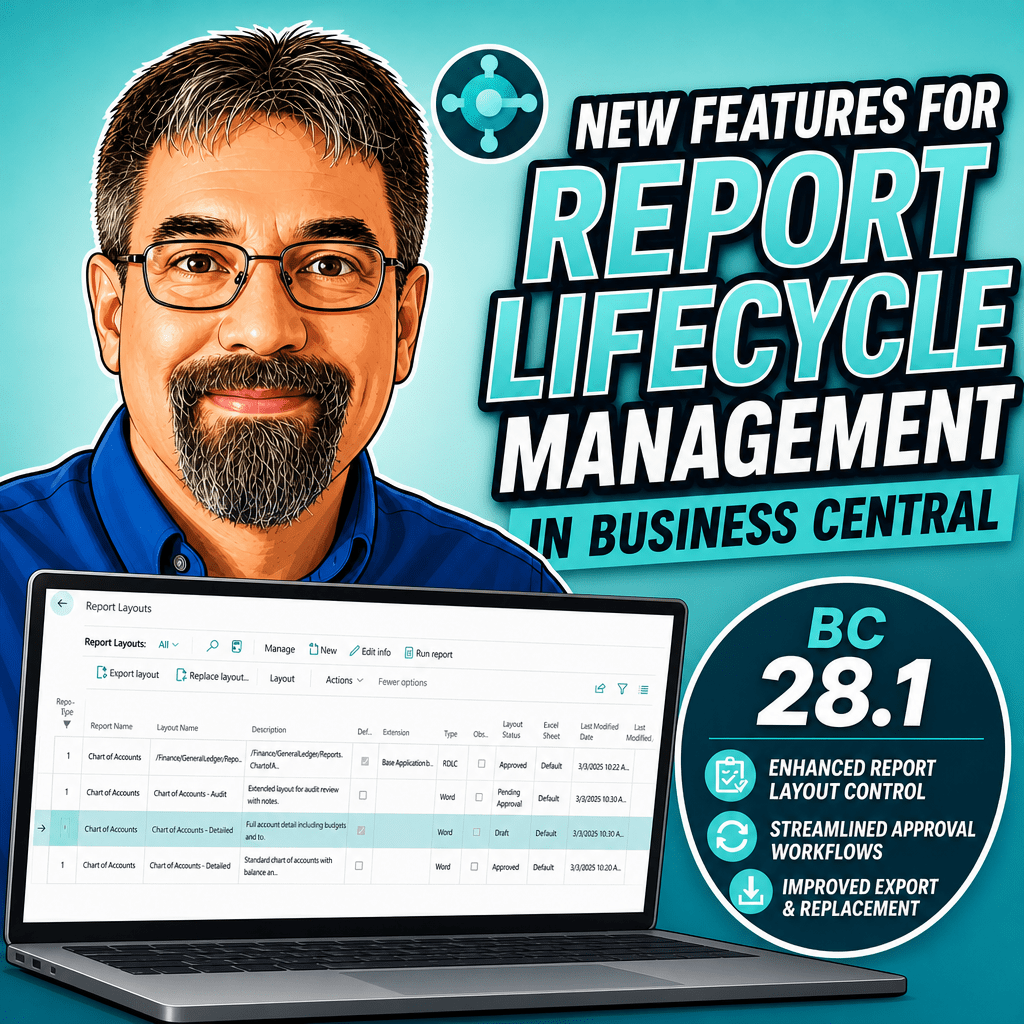
The Report Layouts page has been updated to include a Layout Status. When I create a new report layout, by default it is in a “Draft” status.

While in Draft status it is not available to users. You can run the report from the Report Layouts screen, but that is it.
You change the status in the Actions menu: Layout Status.

The next status is “Pending Approval”, this is similar to Draft. You can run the report from the Report Layouts screen. Users are not able to see the report. This helps communicate the status of the report development process without adding additional access.
Moving up, the next status is “Approved”. Approved reports are available to the users.
The last status is “Retired”. Like Draft and Pending Approval, these reports are not visible to users.
Let’s validate this, I’ll put the General Journal – Test report update into “Draft”. Here is what we see in the General Journal page when I attempt to run the General Journal – Test report.
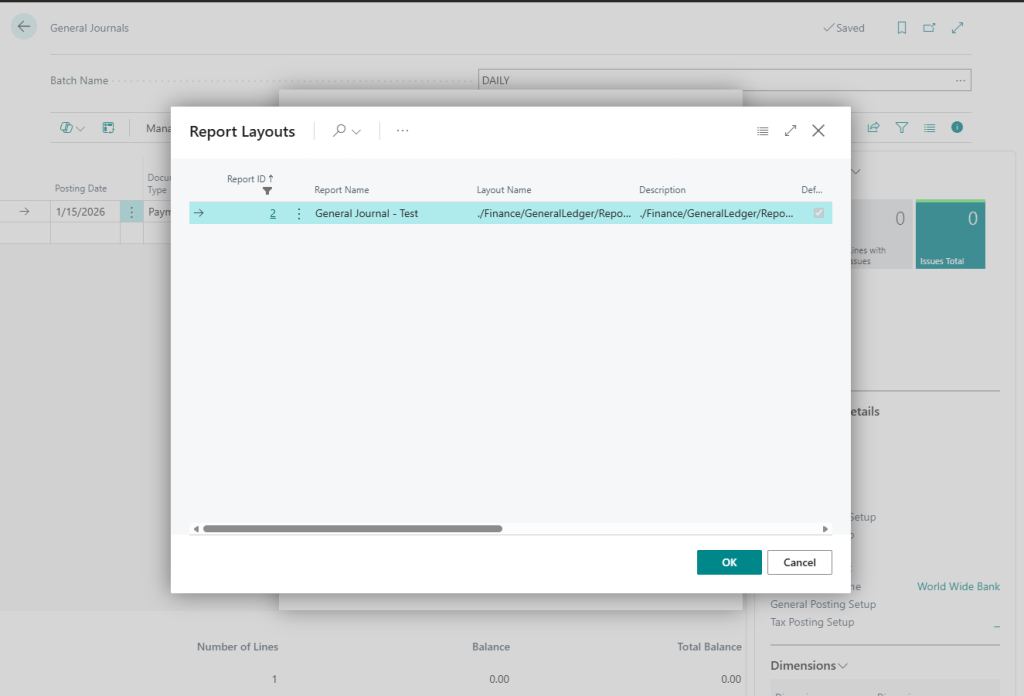
We see the single Approved report. We have the same result if we set the report to “Pending Approval”.
When we set the report to Approved, we finally see it in the report selection window for the users.
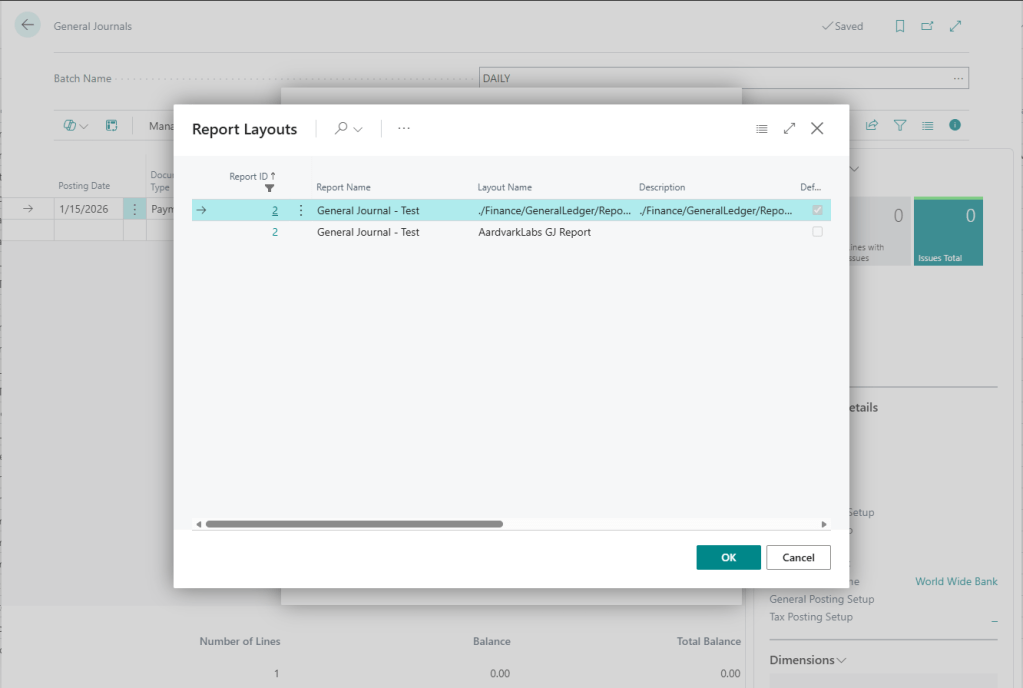
If we replace it with a new layout, we can set this one to “Retired” and it will disappear from the list.
There you have it, a means for Life Cycle Management of Report Layouts! I hope this makes managing reports easier and helps reduce confusion while you are itterating on report layout designs.
Let me know if this is a feature that will help you out!
More details available on Microsoft Learn: Control the lifecycle of report layouts | Microsoft Learn





Leave a Reply