

Indexes have come up in several earlier posts because they can deliver a significant performance improvement in Business Central. Until now, managing them has been entirely dependent on AL code. Business Central v29 changes that.
If you don’t remember indexes, here is a link to a refresher.
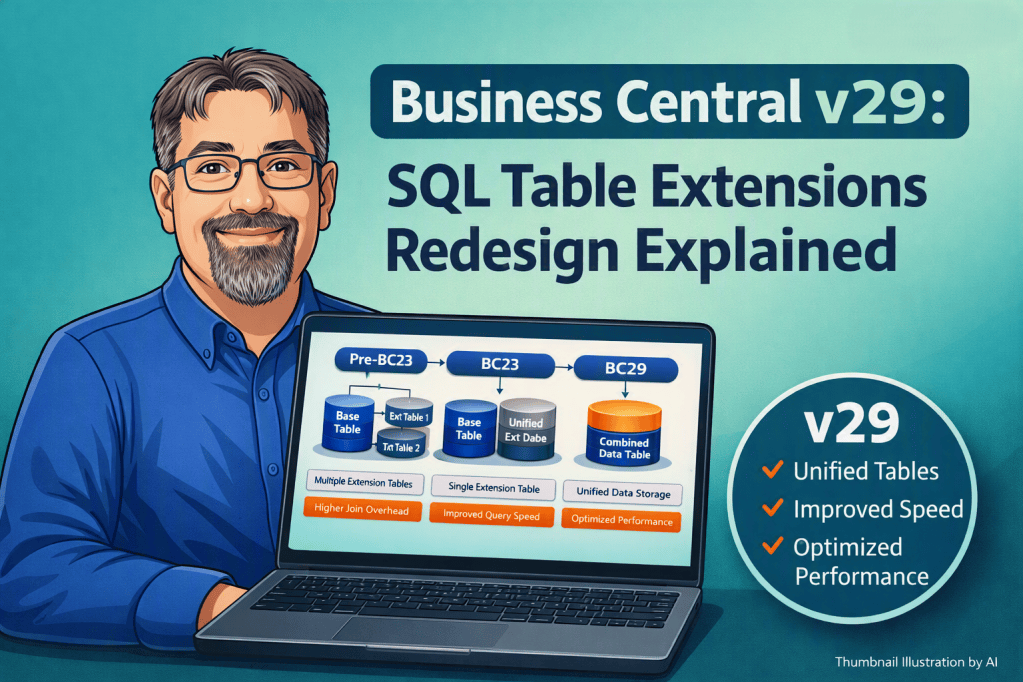
Earlier versions placed limits on non AL based index management because of the way the database stored native fields and extension fields in separate tables. With the new unified table structure in v29, those restrictions are gone. You can now manage SIFT indexes directly from the Index Management page. This gives administrators the ability to adjust keys as the system evolves. A key that once served an important purpose may no longer be needed and may even slow things down. These updates allow you to retire or adjust keys without waiting for development work.
Let’s explore this starting with the Index Management page.
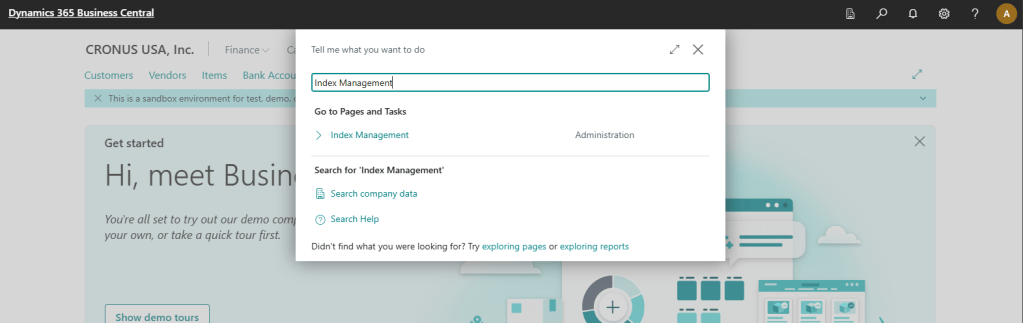
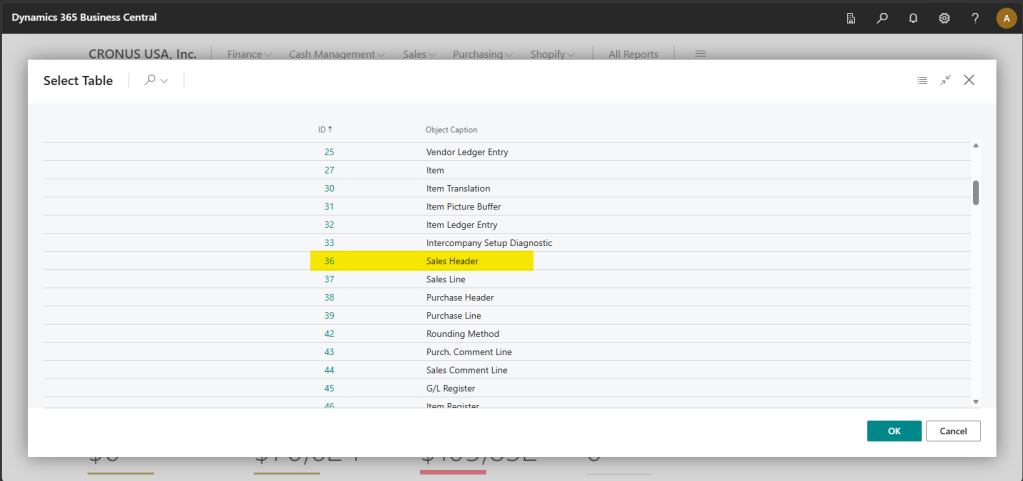
I’ve added an index with a SIFT to the Sales Header table, so I’ll open that tables record.
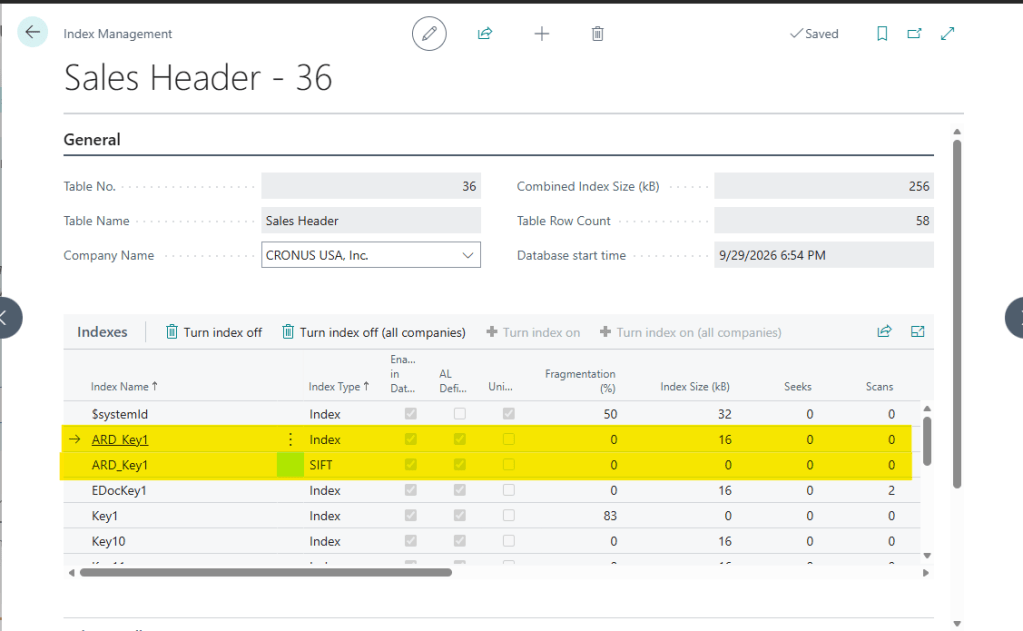
There are my custom keys. There is one for the Index and a second for the SIFT.
Using the button in the menu I can turn indexes or SIFTS on and off for everyone, or just this one company.
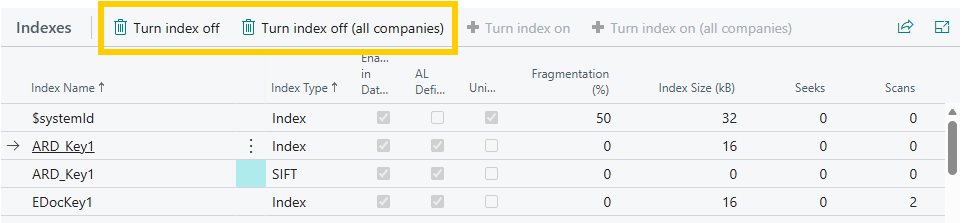
You can’t deactivate the $systemId key. However most of the other keys are available to be deactivated if you need.
The bottom of the page has an index details section, which is useful to understand the nature of the key.

This is not free range to create all the indexes you want and manage them in the application later. This allows for the adjustment of keys as needs change. Over the years of use, a key may no longer be required and may be impacting performance, this allows for the management of those keys without requiring development support.
The unified table structure also removes the long standing constraint that prevented keys from spanning extensions. Native fields and extension fields now live in the same table, which means keys can include both. This opens the door to indexing patterns that were not possible in earlier versions.
Here is a simple example. The Sales Header is extended with a relationship to a custom campaign table. If you expect to perform frequent lookups by campaign or want a SIFT key for rollups that calculate campaign values, you would want a key that includes ARD Campaign, Document Type and Document Number. In v28 and earlier, this produces an error because the fields come from different tables. Switch the app to the v29 runtime and the issue disappears.
tableextension 50000 ARD_SalesHeader extends "Sales Header"
{
    fields
    {
        field(50000; ARD_Campaign; Integer)
        {
            Caption = 'Campaign';
            tooltip = 'The AI Campaign associated with this Sales Order.';
            DataClassification = CustomerContent;
            TableRelation = ARD_Campaign."ARD_No.";
        }
        field(50001; ARD_CampaignName; Text[50])
        {
            Caption = 'Campaign Name';
            FieldClass = FlowField;
            tooltip = 'The name of the AI Campaign associated with this Sales Order.';
            CalcFormula = lookup(ARD_Campaign.ARD_Name WHERe("ARD_No." = field(ARD_Campaign)));
        }
        field(50002; ARD_CampaignTransitDistance; Decimal)
        {
            Caption = 'Total Campaign Transit Distance';
            FieldClass = FlowField;
            tooltip = 'The total transit distance of the AI Campaign associated with this Sales Order.';
            CalcFormula = sum("Sales Header"."Transit Distance" WHERE(ARD_Campaign = field(ARD_Campaign)));
        }
    }
    keys
    {
        key(ARD_Key1; ARD_Campaign, "Document Type", "No.")
        {
            SumIndexFields = "Transit Distance";
        }
    }
}
In Business Central v28 and older we get this error:
The property 'ARD_Key1' can only be set if the specified fields are from the same table.ALAL0423
Key ARD_Key1: ARD_Campaign, "Document Type", "No."
Switch the App.JSON to runtime 18.0, which is the Business Central v29 runtime, and the problem goes away!
More information can be found here.
Manage database index usage – Business Central | Microsoft Learn
BC V29 quietly delivers one of the most meaningful performance-tuning upgrades in a long time. Are you looking to implement cross extension indexes?




Leave a Reply