
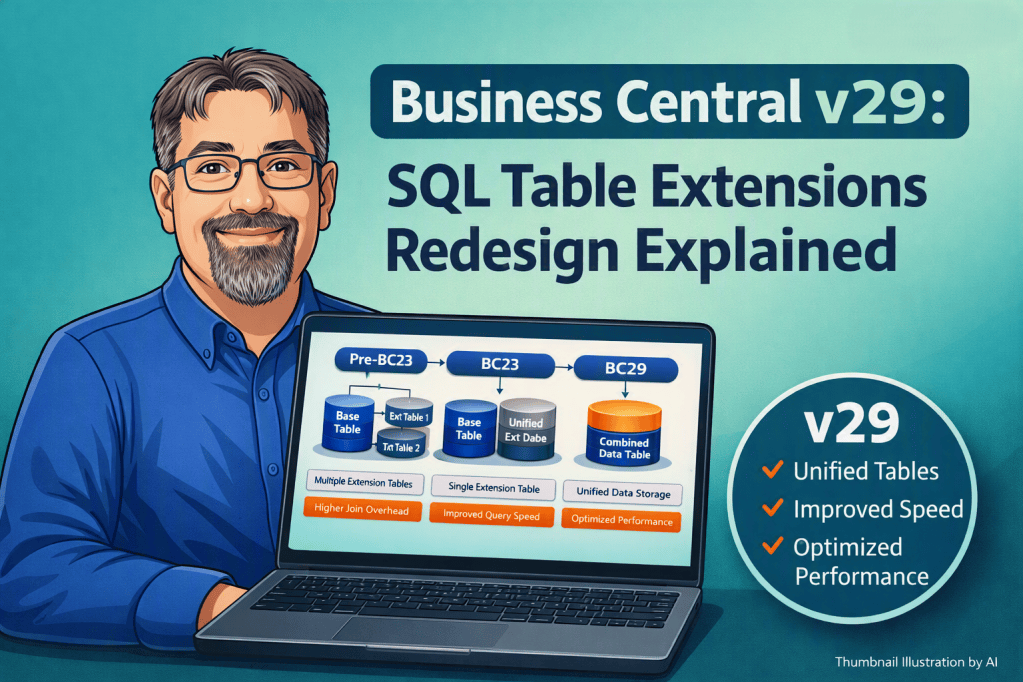
With the release of Business Central v29.0, Microsoft has completed a major redesign of how table extensions are stored in SQL. This change represents a significant improvement in performance, scalability, and long term maintainability, especially for organizations that rely on extensive customization.
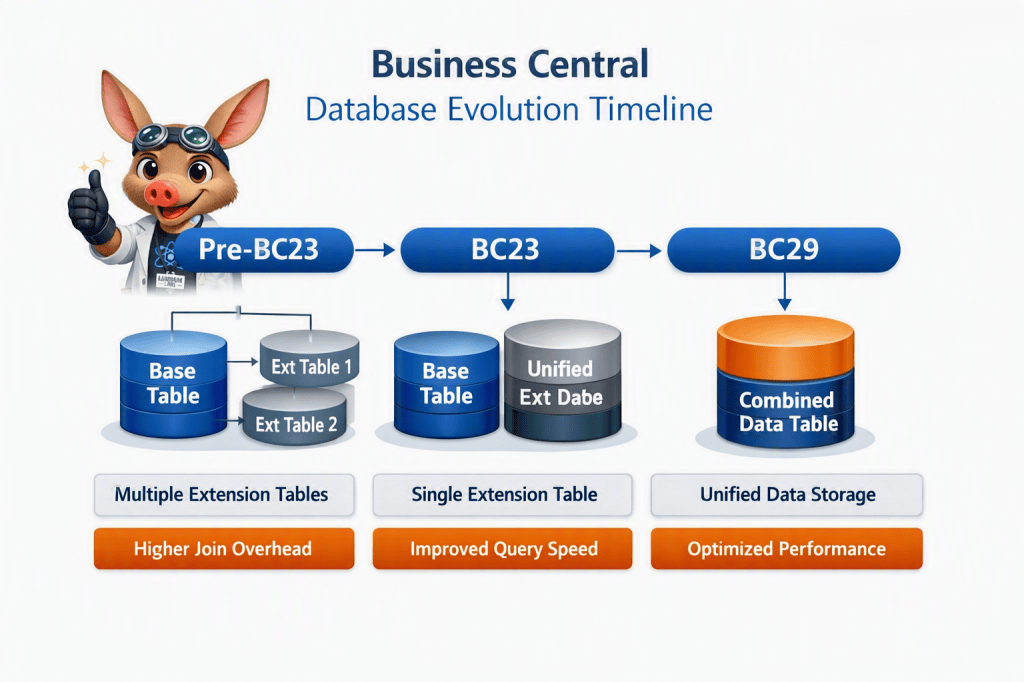
In earlier versions of Business Central, Pre V23, each table extension created its own SQL table. As more extensions were added, the number of required JOIN operations increased. This made indexing difficult, slowed down reporting, and created challenges for partners who needed to optimize performance in complex environments.
Business Central v23 introduced the first major step toward simplifying this model. Instead of generating a separate table for every extension, the platform consolidated all extension fields into a single extension table. For example, the Customer table would be paired with one Customer Extension table. This reduced the schema to a single JOIN and made indexing more manageable.
Business Central v29 completes this transition. All custom fields are now stored directly within the primary SQL table. No extension tables are created. The table expands as new fields are introduced. This eliminates JOIN operations, simplifies index management, and reduces the performance overhead that previously affected heavily customized systems.
There is an important constraint to consider. SQL Server enforces a maximum of 1024 columns per table. As organizations approach this limit, the AL compiler will begin issuing warnings such as:
Table <TableName> and its extensions exceed the SQL column limit.
or
Warning ALXXXX: The combined number of fields in table and extensions may exceed SQL Server column limit (1024).
If the limit is exceeded, the system will produce an error indicating that the table cannot be created.
Table <TableName> cannot be created because it exceeds the SQL column limit.
Even with the new architecture, established best practices remain essential. Developers should avoid adding unnecessary fields to pages because every field must still be retrieved, transmitted, and rendered. Indexing should also be approached thoughtfully. Additional indexes improve read performance but can slow down write operations, and Business Central continues to be a write heavy application.
It will be interesting to see how this architectural change performs in large environments with extensive customization. If you have already begun testing Business Central v29, I would be interested in hearing about your experience.




Leave a comment