

So, you are working on an AL Extension, you’ve added a few tables, and added those tables to at least one Permission set file. However, the table is still marked in Red, and it is complaining that the table is missing a matching permission set.
Everything compiles fine, so this is some kind of phantom error.
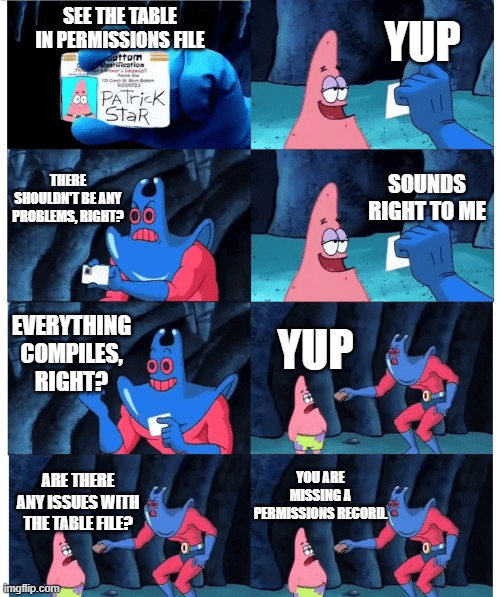
You might see something similar if you update the dependencies. The issue is that some of the files and associated errors are only handled when the AL Extension starts.
To resolve this issue, you could close and reopen VS Code, or you could press CTRL SHIFT P and select “Developer: Restart Extension Host”
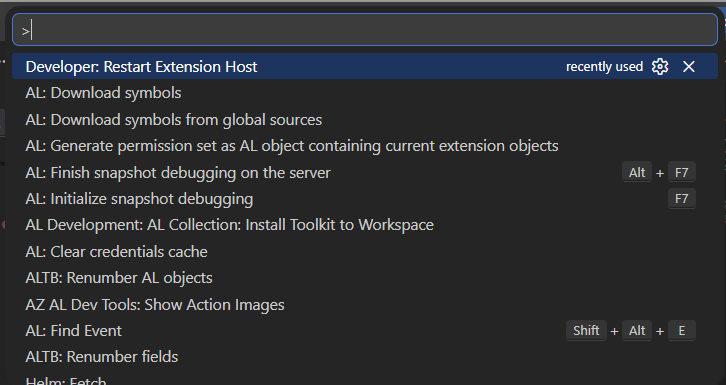
This will restart the AL Extension, and it will verify the dependencies and permissions files.
This is the good old IT 101, turn it off and back on again.





Leave a comment